Product Life Cycle
PromoStandards defines only two product states: sellable and closeout. This is insufficient for real-world product management — there’s no way to represent products that are incomplete (missing images or pricing) or permanently discontinued.
PromoSync extends this with a full 4-status life cycle: draft, active, closeout, and discontinued.
Status Definitions
| Status | Description |
|---|---|
| Draft | Product is incomplete — missing images or has no pricing. Not ready to sell. |
| Active | Product is complete and available for sale. |
| Closeout | Product is being phased out, often at discounted prices. |
| Discontinued | Product is permanently removed from the catalog. No longer available for sale. |
Why Draft Matters
When products are first ingested from suppliers, they may be incomplete. A product is automatically classified as draft when:
- Its list price is
$0or missing - It has no primary image
Draft products are not ready for customer-facing catalogs. This prevents showing products with $0 prices or missing images to your Shopify storefront customers.
Why Discontinued Matters
Closeout in PromoStandards implies temporary clearance — products being sold off at discounted prices. But there’s no way to mark a product as permanently gone.
When a supplier stops making a product, you need to know so you can:
- Remove it from your storefront
- Stop syncing inventory and pricing for it
- Avoid showing stale products to customers
Discontinued fills this gap — it’s a terminal state meaning “this product will not come back.”
How Status is Computed
Product status is determined automatically:
- If the supplier marks it as closeout → Closeout
- If missing primary image or list price is $0/missing → Draft
- Otherwise → Active
Discontinued is also auto-computed in one case: when a closeout product hits zero inventory across all parts, it’s automatically marked as discontinued.
Life Cycle Diagram
┌───────┐       ┌────────┐       ┌───────────┐       ┌──────────────┐
│ draft │──────▶│ active │──────▶│ closeout  │──────▶│ discontinued │
└───────┘       └────────┘       └───────────┘       └──────────────┘
                    │                                        ▲
                    │                                        │
└────────────────────────────────────────┘- Draft → Active: Product becomes complete (has pricing and images)
- Active → Closeout: Product is being phased out at discounted prices
- Active → Discontinued: Product is permanently removed from the catalog
- Closeout → Discontinued: Auto-computed when inventory reaches zero across all parts
Where Status Appears in PromoSync
Product Search
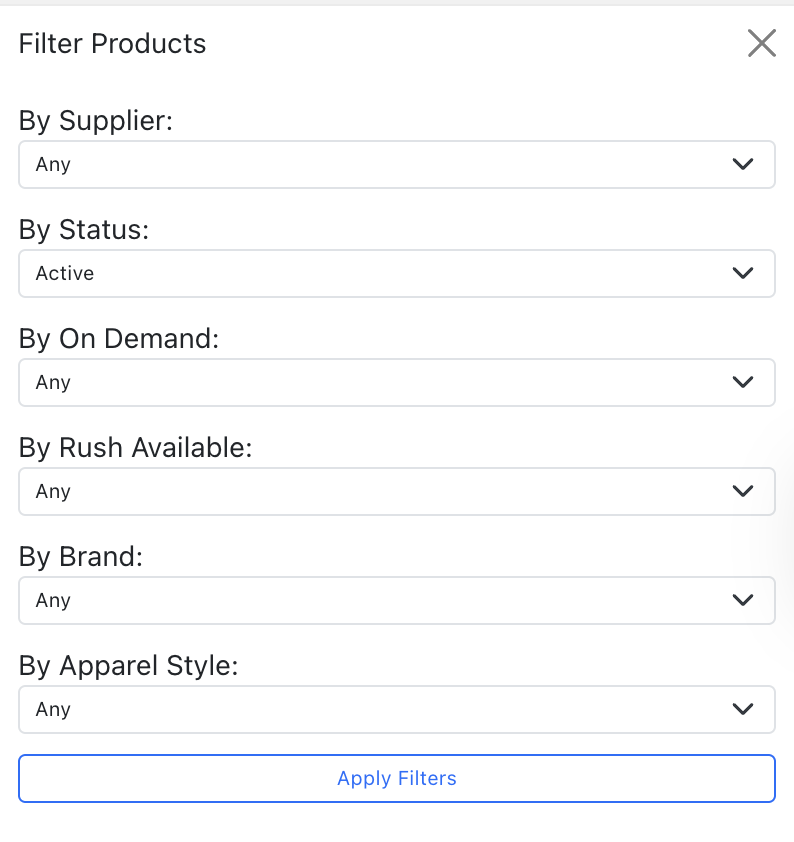
The search form includes a “By Status” dropdown filter inside the Other Filters panel. This replaces the old “Is Closeout” boolean filter.
Filter options: Any, Active, Draft, Closeout, Discontinued
The default filter is Active, so you see only sale-ready products by default.
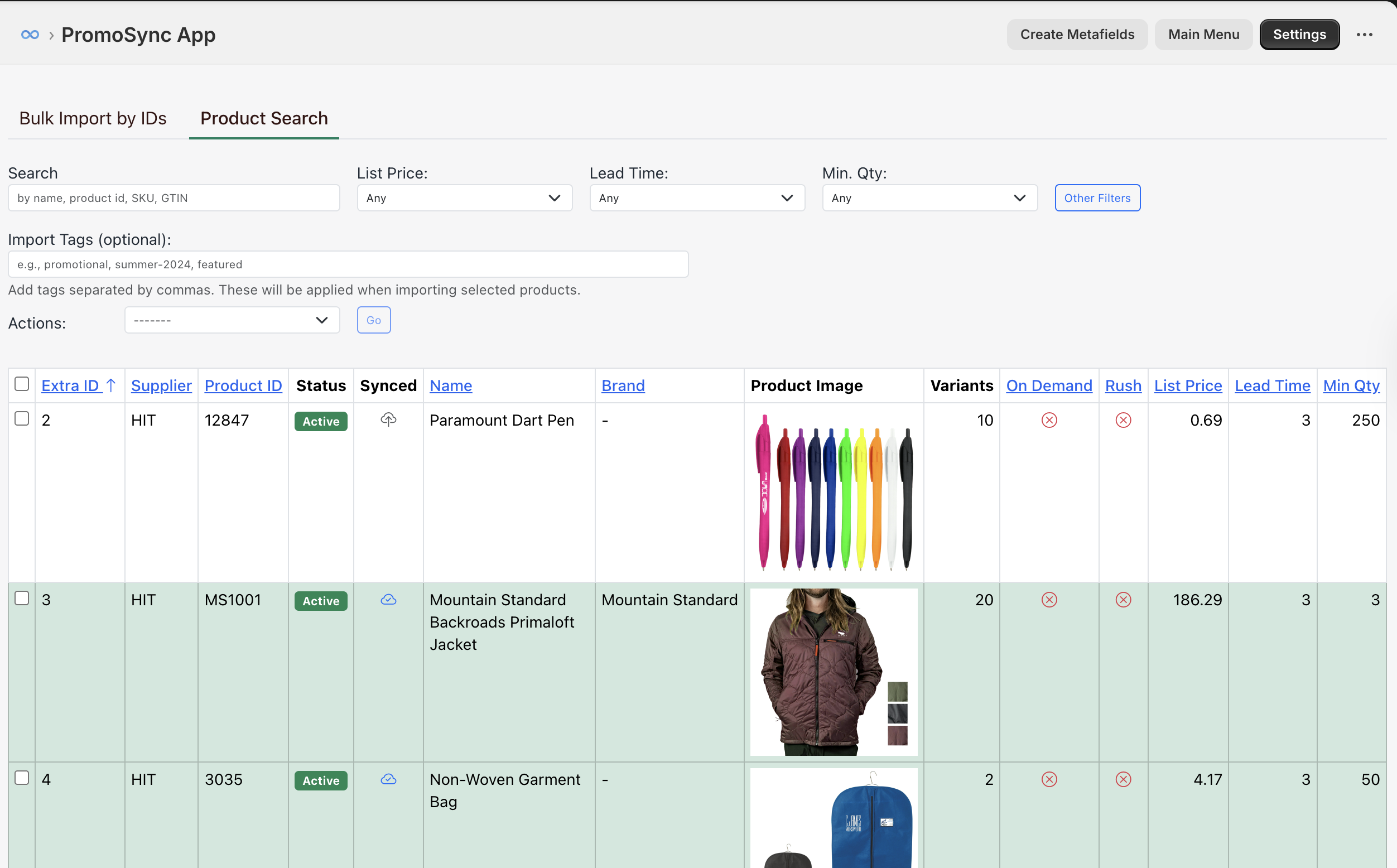
Search results display color-coded status badges in the Status column:
| Status | Badge Color |
|---|---|
| Active | Green |
| Draft | Grey |
| Closeout | Yellow |
| Discontinued | Red |
Product Detail
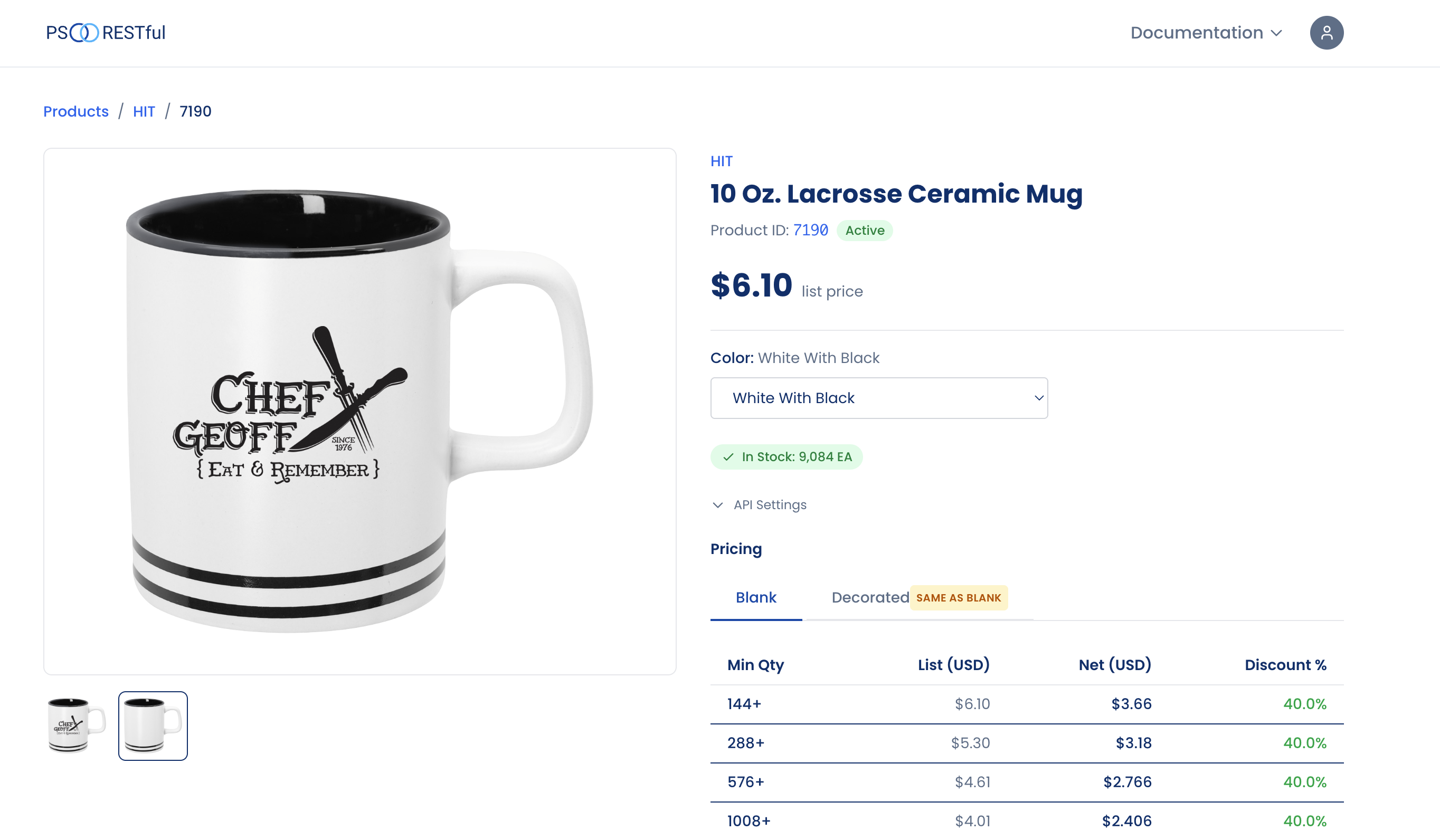
The product detail page displays the status badge next to the Product ID, so you can immediately see the product’s life cycle state.
Inventory and Pricing Sync
Products with discontinued status are automatically skipped during inventory and pricing sync updates. This saves API calls and avoids updating data for products that will never be sold again.
Related Documentation
- Importing Products — How to search, filter, and import products
- Inventory Settings — Configure inventory sync schedules
- Pricing Settings — Configure pricing strategies
- Product Life Cycle (PSRESTful API) — Technical details on the API-level status field